
The short version
A useful starting point
Revising text you already own. A shorter or smoother sentence can drop a condition, soften a warning or strengthen a promise. Accept changes sentence by sentence.
A good fit if…
A short draft whose meaning is settled but whose phrasing needs another pass.
Look elsewhere if…
The facts or policy are unsettled and you are hoping that polished wording will resolve the underlying decision.
Wordtune offers rewriting, shortening, expansion and tone choices. Its web editor also supports summaries and stores work in Pages and Summaries.
The useful buying question is whether this fits your recurring work. A short draft whose meaning is settled but whose phrasing needs another pass.
Where it earns a place in the workflow
A focused rewriting tool makes sense when the draft already contains the right information. You are choosing between phrasings, not asking the software to decide what your business should promise. This narrower role can make review manageable: compare the changed sentence with the original and accept only the improvement you can explain.
Watch especially for small words that carry conditions. A rewrite may remove “usually,” “subject to approval” or “for existing customers” while keeping the rest of the sentence recognisable. Keep a short do-not-change list for consequential copy. If your main need is research or a multi-document analysis, a sentence-editing workflow may add another stop without solving the difficult part of the job.
A trial you can judge for yourself
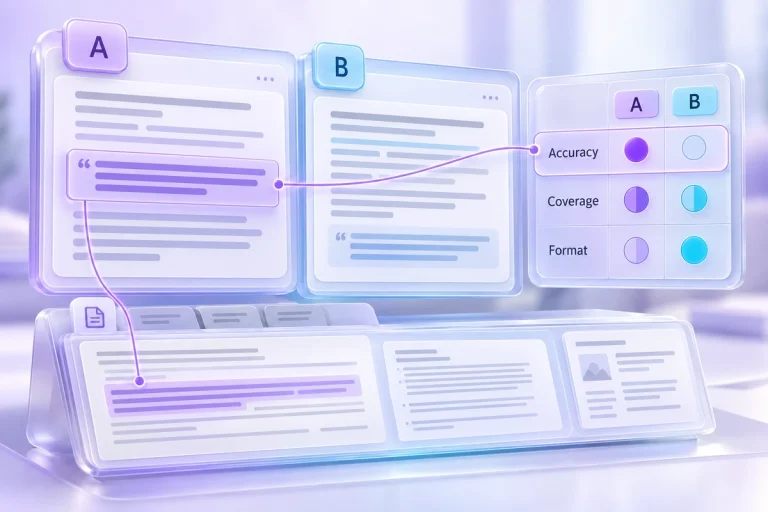
Rewrite a fictional 90-word service update containing an eligibility condition and an uncertain delivery date. Compare the original with the proposed shorter version.
Look for this result: The condition and uncertainty remain visible, and the revised sentence still sounds appropriate for its reader.
This is a proposed evaluation using permitted or fictional material, not a report of a completed hands-on test.
The trade-off to keep in view
A shorter or smoother sentence can drop a condition, soften a warning or strengthen a promise. Accept changes sentence by sentence.
Before choosing a plan
Does the selected plan cover the amount of rewriting and summarisation you expect, in the interface where you normally write?
Record the result of your trial, the corrections you made and the current terms that matter to your use. Keep the tool only if the finished output and review effort justify adding it to your work.
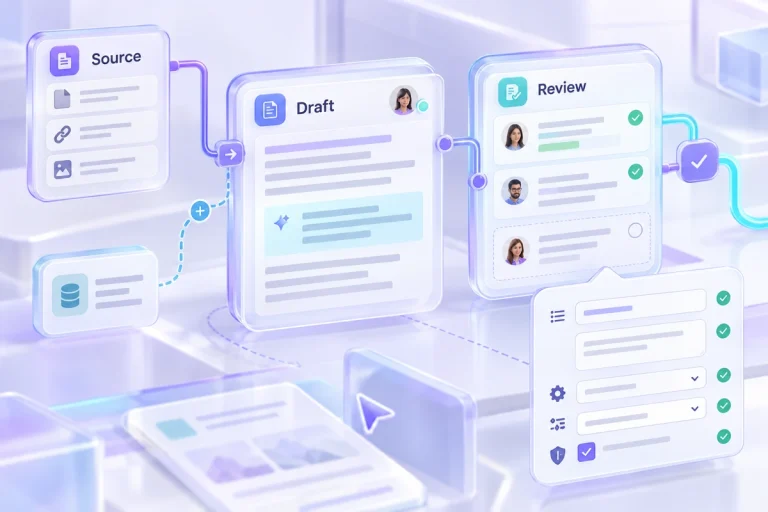
Keep the inputs and review notes together in the response compare workspace, then save a backup you can reopen.
Strengths
- Wordtune offers rewriting, shortening, expansion and tone choices. Its web editor also supports summaries and stores work in Pages and Summaries.
- Revising text you already own.
Limitations
- A shorter or smoother sentence can drop a condition, soften a warning or strengthen a promise. Accept changes sentence by sentence.
- Does the selected plan cover the amount of rewriting and summarisation you expect, in the interface where you normally write?