
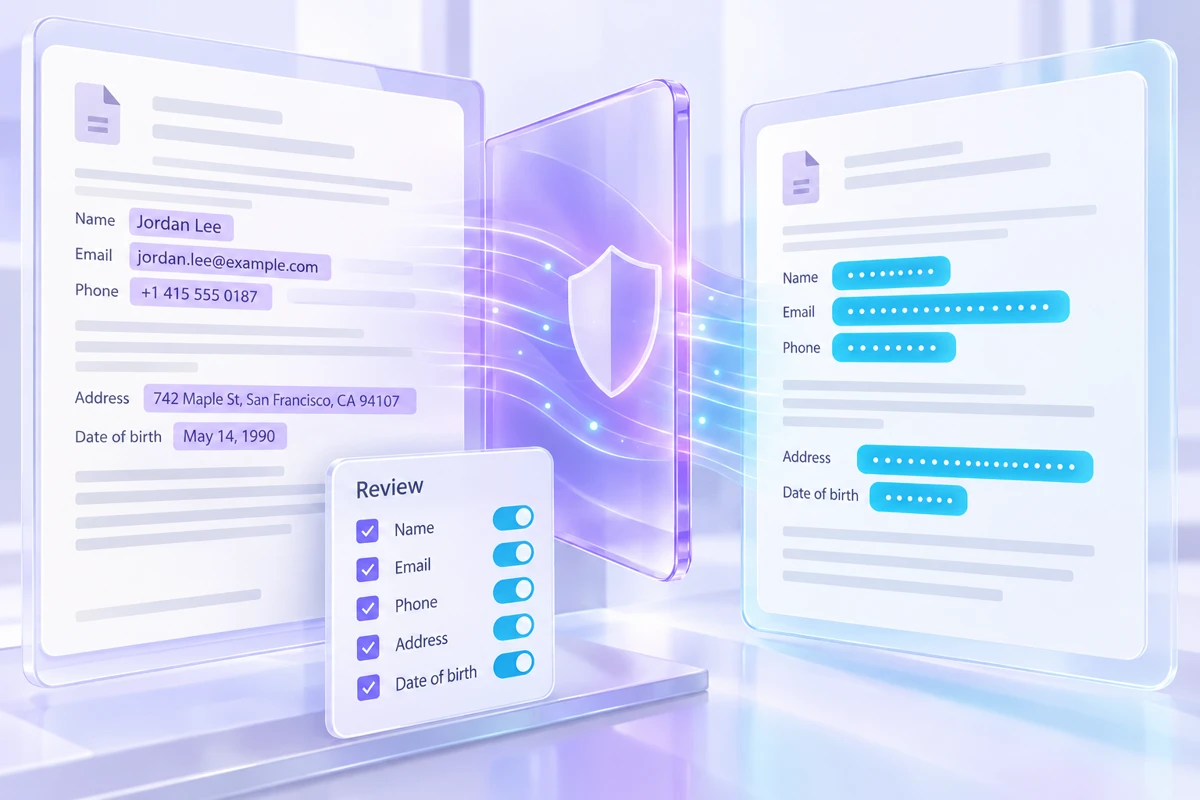
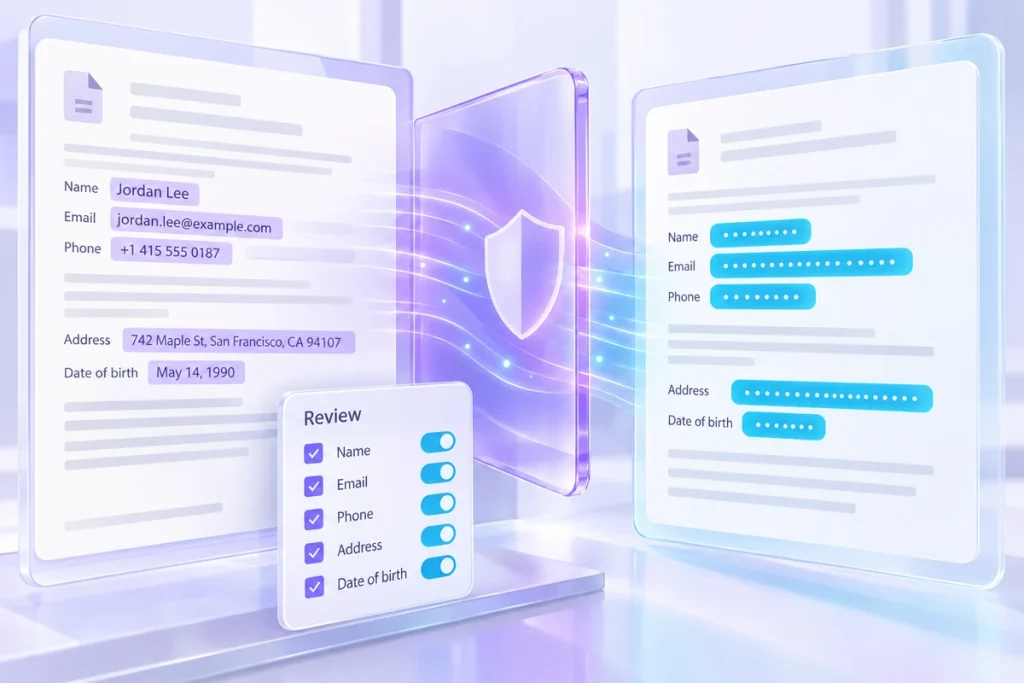
Replacing an email address with a placeholder can make a passage safer to reuse, but it does not automatically make the passage anonymous. A job title, unusual event or combination of dates may still identify someone. Treat masking as one preparation step, followed by a review of the whole context and a decision about where the text may be used.
Start by removing what the task does not need Suppose you want help rewriting a fictional support explanation. The assistant needs to know that the customer has a verified order and cannot open a download. It does not need the customer’s home address, full payment reference or unrelated account history.
Delete unnecessary details before searching for identifiers. This reduces the amount of material that needs protection and often produces a better writing brief. Masking a large private record is not always the right alternative to preparing a small, relevant summary.
Review detected matches deliberately Automatic patterns can find some email addresses, phone numbers or values you explicitly add. They can also miss identifiers or flag ordinary text. Inspect each proposed match rather than treating the detector as a complete privacy review.
Use consistent placeholders within the same passage when the relationship matters. If two sentences refer to the same person, changing that identity to the same label helps the reader follow the story. Keep the label descriptive enough for the task without including the original identifier.
Look for clues outside the matches Read the masked text as someone who knows the organisation. “The only coordinator in our three-person office who joined last Tuesday” may identify a person without a name. A unique project title, exact transaction amount or unusual incident can do the same.
Generalise or remove those details when they are unnecessary. If the context itself is sensitive, use a fictional example instead of trying to conceal it with more placeholders. Some material should stay in the approved internal workflow regardless of how many obvious identifiers were replaced.
Understand where the working copy lives A browser tool can process text locally, but browser storage is not a dedicated secrets vault. Other people using the same browser profile may be able to reopen saved projects. Backups and copied text can also carry information into other places.
Save only the version you intend to retain. Review exported files before sharing them, and avoid including a replacement key unless the recipient genuinely needs it. If a workflow keeps the original text temporarily in memory, that is still a reason to close the session when finished on a shared device.
Make the final decision about the destination Before pasting the result into another service, check the account, sharing settings and the organisation’s rules for that type of material. A masked passage may still be inappropriate for a public conversation or a third-party tool.
Keep a short note about the preparation you performed: unnecessary details removed, matches reviewed and contextual clues checked. Do not label the result “anonymous” merely because a tool replaced several strings. The useful outcome is a smaller, reviewed input with a known purpose and destination, not a blanket assurance that the remaining text carries no risk.
Keep the inputs and review notes together in the sensitive text masker workspace, then save a backup you can reopen.