
A helpful support reply needs more than a friendly tone. It needs the customer’s actual question, the facts you have verified and the policy that applies. When an AI draft lacks those inputs, it may fill the gaps with a reassuring promise. Preparing a small evidence bundle makes the draft easier to use and much easier to review.
Separate the request from your findings Imagine a fictional customer who cannot open a purchased download. Their message says the link returns an error. Your verified findings are limited: the order exists, the payment is complete and the file is still available. You have not yet confirmed whether the link expired or whether a browser setting caused the problem.
Keep those findings separate from hypotheses. Do not tell the assistant that the customer “has a browser problem” when that is only one possibility. The draft should describe what you know and request the information needed to investigate the rest.
Supply the relevant policy Add only the policy passages needed for this reply. If replacement links require an order reference, include that condition. If you do not have a confirmed response deadline, do not ask the tool to invent a reassuring one. A draft can be considerate without promising an immediate fix.
Remove private details that are unnecessary for writing the message. The assistant may need to know that an order was verified, but it rarely needs the full payment record or a customer’s unrelated account history.
Ask for a bounded response For this example, request a short reply that acknowledges the failed download, confirms that you found the order and asks for the exact error message and the page where it appears. Ask the assistant to avoid diagnosing the cause or promising a refund, replacement or deadline that the supplied policy does not establish.
Keep the requested information small. A long checklist can make a simple support request feel like homework. Start with the details that distinguish likely causes, then ask a follow-up if the evidence requires it.
Review actions and commitments Read every sentence containing “will,” “can,” “always,” “immediately” or a time estimate. Check whether the supplied facts or policy support it. Then verify every link and instruction. A friendly draft with the wrong account link still creates work for the customer.
Consider the customer’s interpretation. “Your issue has been resolved” is inappropriate if you have only prepared a new link that has not been tested. Say what was done and what the customer should try, leaving room for them to report whether it worked.
Keep sending under human control Treat the accepted text as a draft until the responsible person reviews it in the actual support thread. Check that the reply answers the latest message and does not repeat a request the customer already fulfilled. The thread may contain context that was not included in the AI brief.
Save reusable wording only after removing customer-specific facts. Leave explicit fields for details that must be checked each time. Over time, a small library of well-reviewed replies can reduce effort without making every customer receive the same impersonal paragraph. The useful habit is consistent verification, not automatic reassurance.
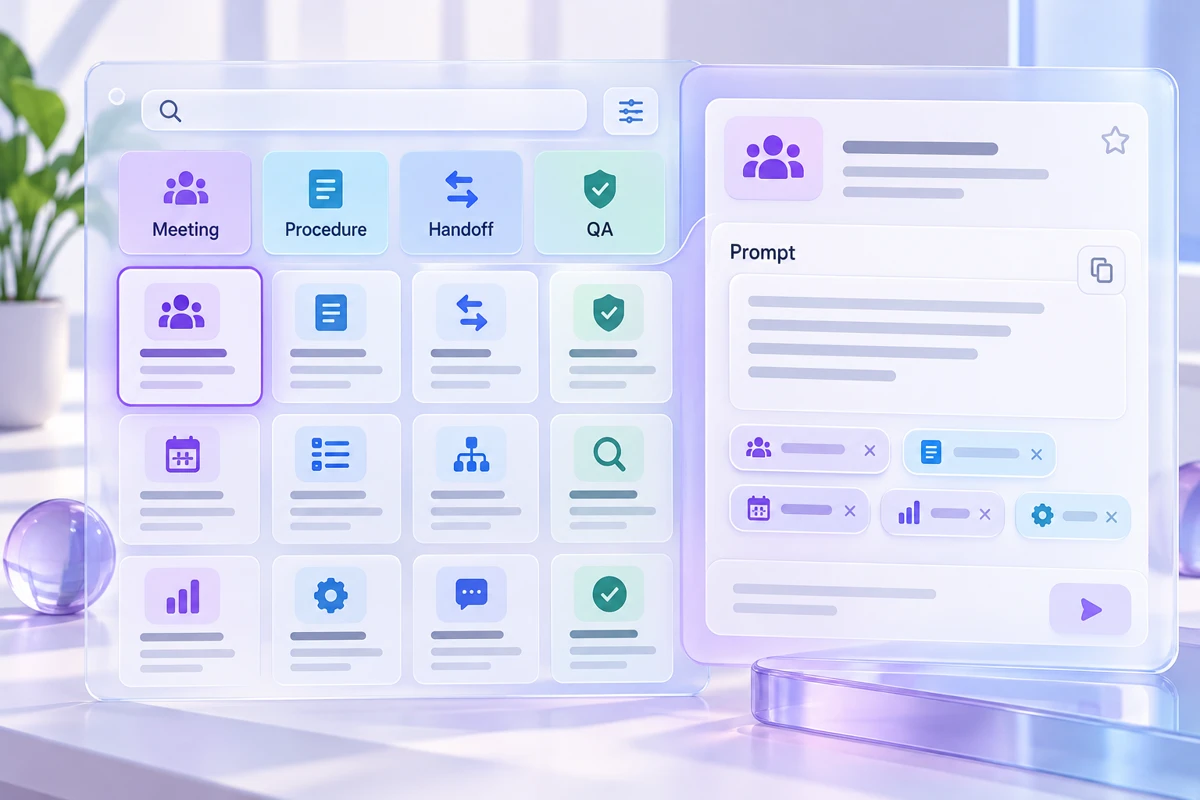
Keep the inputs and review notes together in the workplace prompt library workspace, then save a backup you can reopen.