
A citation is useful because it gives you somewhere to look. It is not a guarantee that the sentence beside it is accurate. An AI-generated answer may link to a relevant page while overstating what the page says, mixing dates or attaching one source to several different claims. A short claim-and-source review catches those problems before they reach your readers.
Break the paragraph into claims Imagine a fictional draft saying that a tool supports spreadsheet imports, includes team permissions on every plan and exports an editable presentation. That sentence contains three claims. Do not approve the whole sentence simply because the linked product page mentions spreadsheets.
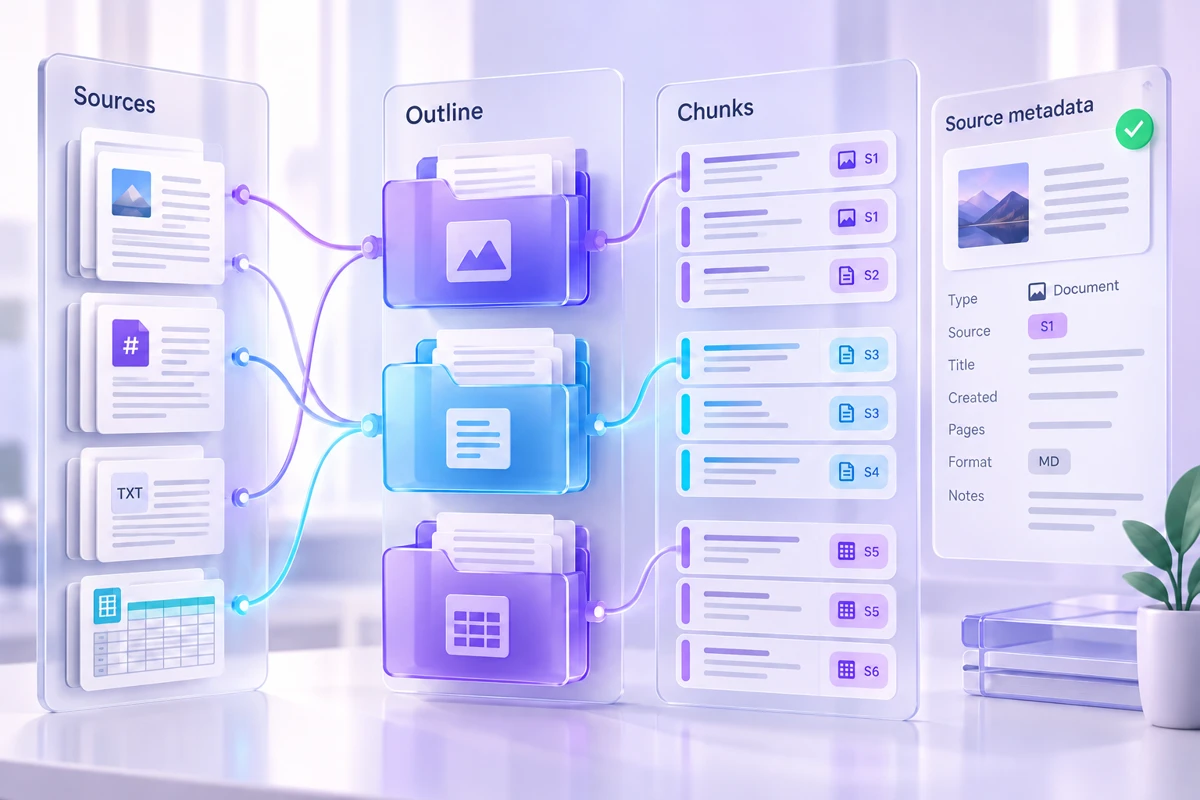
Write each claim on its own row. Add the source URL, the passage that supports it, the date you checked it and any qualification. This is a working record for your review; it does not have to become a large table in the published article.
Open the original page Read beyond the search snippet or answer summary. Find the relevant feature description and check nearby headings, footnotes and plan labels. A feature available in an enterprise tier should not become a promise about the free plan. A roadmap announcement should not become an available feature.
Prefer the source closest to the fact. For a product capability, that is often the official documentation. A third-party article may be useful context, but it can repeat an older statement. Keep the original URL even if you first discovered it through another page.
Match the strength of the wording Suppose the documentation says an export “supports PowerPoint.” That does not establish that every font, animation or chart survives unchanged. Write the supported fact and make your own recommendation separately: open a representative export in the application you intend to use.
This separation makes the article more useful. Readers can see what the vendor documents and which check you suggest before they commit time or money. You do not need to pretend to have tested a feature to propose a sensible test of it.
Keep disagreements visible If two official pages disagree, record both. Look for update dates, product editions and differences between desktop, mobile and web versions. The pages may describe different experiences rather than contradict each other. If you cannot resolve the difference, narrow the claim or leave it out.
Do the same when a source disappears. A saved note helps you remember what you read, but a missing current page is a reason to recheck the claim. Avoid replacing an unavailable source with an unrelated page just to keep a citation beside the sentence.
Publish a useful source note Use a label that tells readers what they will find, such as “Official export documentation” or “Product feature overview.” Put the link near the relevant claim or in a compact sources section. Avoid vague labels that require the reader to guess why the source matters.
Finally, reread the article without its links. Does the wording still distinguish facts, interpretation and uncertainty? A citation should support that distinction, not conceal it. Keep the claim table with your editorial files so a future update starts from evidence rather than from the confident wording of an old draft.
Keep the inputs and review notes together in the knowledge pack builder workspace, then save a backup you can reopen.