
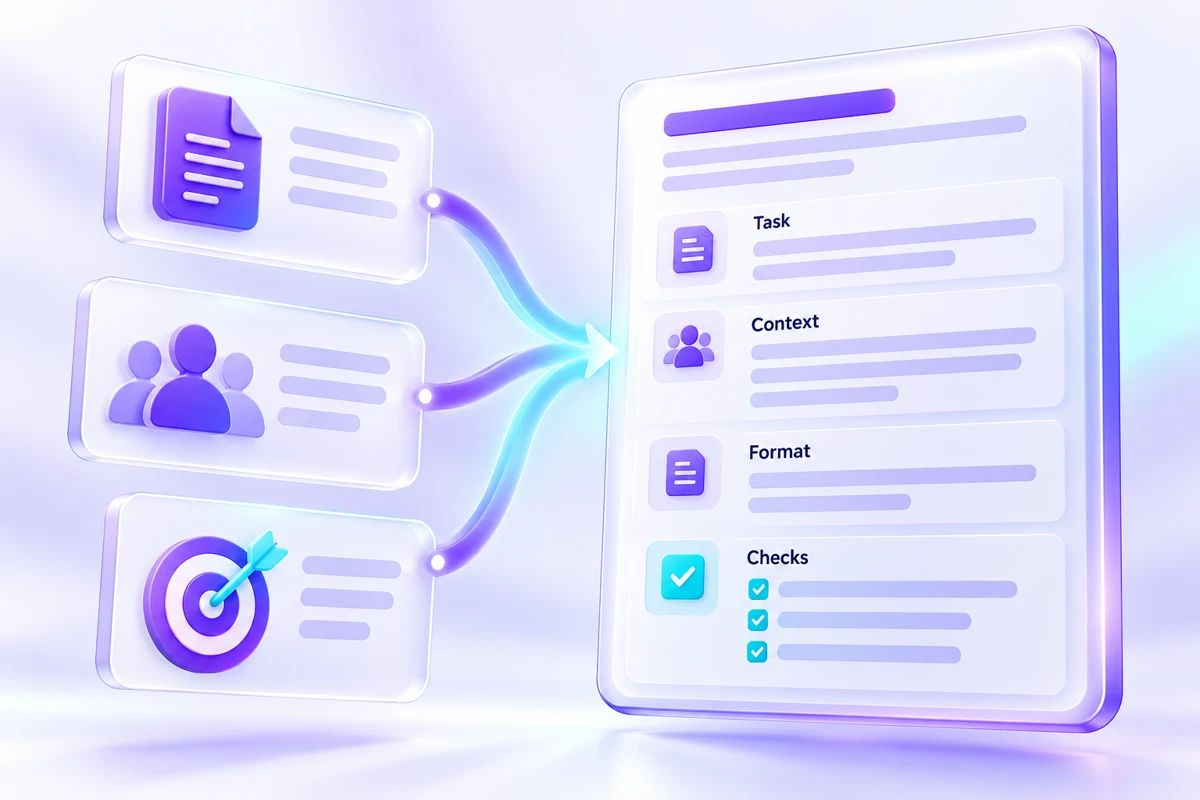
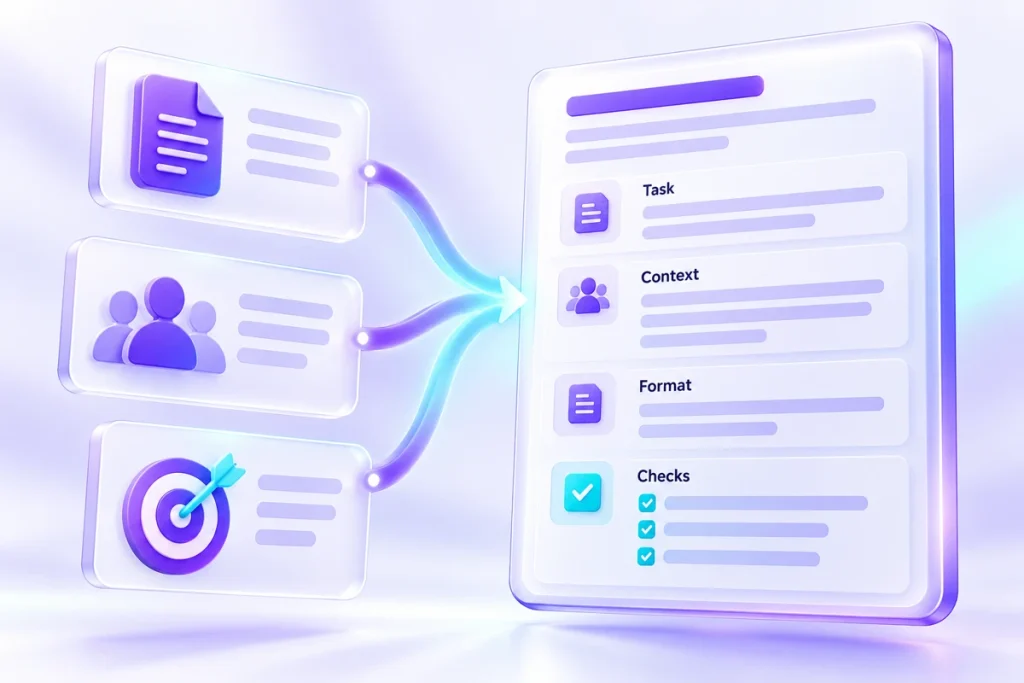
A useful prompt starts before the first instruction. It starts with knowing what material the assistant may use and what the finished work needs to do. When those pieces are missing, a longer prompt often produces a longer guess. A compact task brief gives you a repeatable way to prepare the work and a reference for reviewing the answer.
Name the deliverable Write one sentence describing the result. “Draft a customer update about a delayed feature” is more useful than “help with communication.” Add where the result will appear and who will read it. A status-page note, a private email and an internal handover may use the same facts but need different levels of detail.
Do not ask the tool to solve several unrelated problems in the same brief. If you need a decision about the policy before writing the message, make that a separate human decision. Otherwise, the assistant may silently choose a policy while appearing to write copy.
Gather approved facts Here is a fictional example. A small software team planned to release a calendar export on 7 December. The release is delayed because testing found duplicate events. Existing calendar features continue to work. The team will post another update on 10 December, but the new release date is unknown.
Put those facts in a labelled source section. Keep the original wording where precision matters. “We will post an update” is a commitment to communicate, not a commitment to release the feature. That distinction should survive the draft.
State what must not change Add a short boundary list. The draft must not invent a release date, claim the issue is fixed, or suggest that existing events have been lost. It should acknowledge the delay without speculating about its cause beyond the testing information supplied.
Boundaries work best when they protect a real requirement. A list of dozens of stylistic prohibitions can become harder to review than the draft itself. Start with the few mistakes that would materially change the message.
Describe the shape of the answer Ask for a subject line and a message of about 120 words. Specify that the reader already uses the software. Request a direct opening, a short explanation and the date of the promised update. If a fact is missing, ask the assistant to flag it rather than fill the gap.
You can include a previous approved message as a style example. Label it as an example of tone, not a source of facts. Remove old dates, prices and promises that could accidentally migrate into the new draft.
Write the review criteria first Before generating anything, list three checks: the delay is acknowledged, the 10 December communication date is preserved, and no release date is invented. Add a fourth check for whether the wording sounds appropriate to your readers. These criteria let you judge the result without being distracted by confident phrasing.
After reviewing, request a narrow revision such as shortening the explanation while keeping every date and qualification. Save the final brief with the accepted draft. When a similar task returns, replace the source section and review criteria deliberately. Reusing a prompt should save preparation effort, not carry yesterday’s facts into today’s work.
Keep the inputs and review notes together in the task brief builder workspace, then save a backup you can reopen.