
USEFUL AI NOTES
Prompt Workflow Designer
Design connected prompts with 24 workflow patterns, dependency checks, review gates and an exportable runbook.
Loading your tools…
HOW THIS WORKSPACE FITS YOUR DAY
Bring the task. Make something useful.
01
Choose a workflow pattern
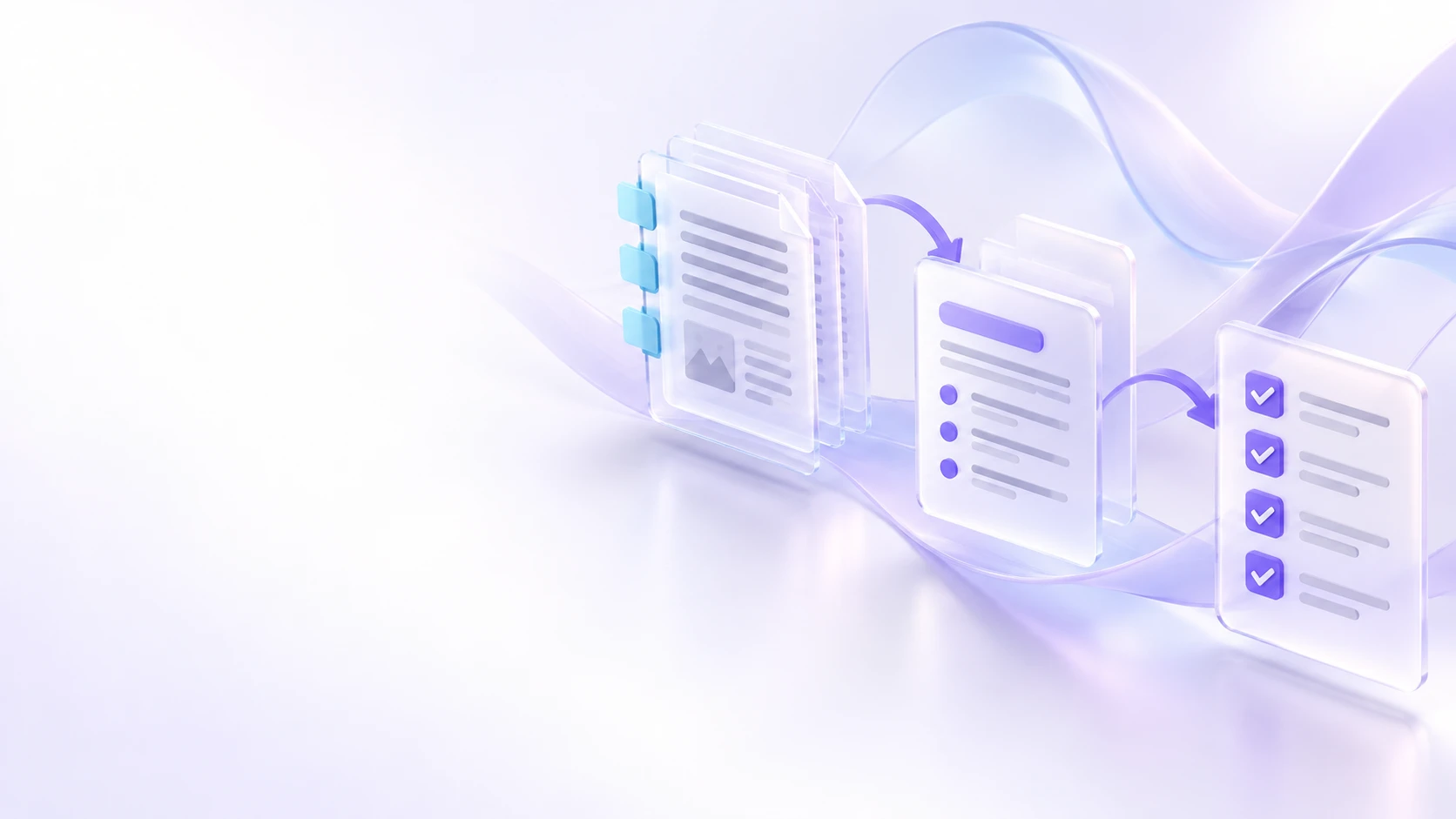
Browse 24 authored patterns. Inspect the steps, named outputs and human review gates before adapting them.
02
Connect the handoffs
Use input variables for source material and output variables for earlier results. The app checks missing dependencies and circular connections.
03
Run with your chosen tool
Copy one assembled prompt at a time, review the external result and paste it back. Export a Markdown runbook or prompt ZIP for reuse.
Before you begin
Will this automatically run agents or AI calls?
No. The map and dry run assemble prompts from your inputs and reviewed outputs. You control execution in your chosen AI service.
What happens when I change an earlier input?
Affected reviewed outputs are removed so later steps cannot reuse stale work. Unrelated branches remain. Undo can restore the earlier state.
How many steps can a workflow contain?
Up to 30 steps per project. Named output keys connect the steps; rearranging cards does not override dependency order.
Where is my project saved?
Projects stay in this browser, separated by your signed-in account. Download a project backup before changing devices or removing browser data. The site does not provide cross-device project sync.