

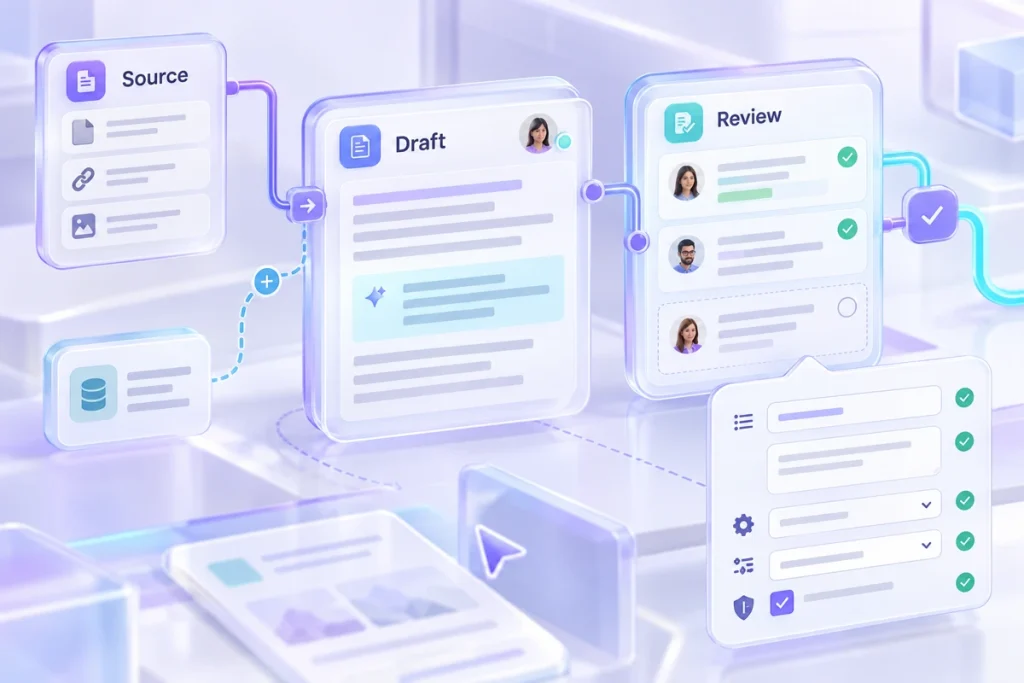
A prompt that works in your conversation may fail when someone else copies it. The missing pieces are often the source files, assumptions and review decisions you supplied along the way. A useful handover packages those pieces with the prompt so another person can understand what to provide, what to expect and when to stop.
Name the job and its boundaries Suppose a fictional team uses AI to turn approved release notes into a customer email. The handover should say that the workflow drafts an email; it does not approve the release, decide eligibility or send the message. Those boundaries prevent a convenient template from gradually taking on decisions it was never designed to make.
Identify the person or role responsible for reviewing the result. If the workflow has several stages, name the review gate between them. An extracted fact list should be accepted before it becomes the basis for customer-facing copy.
List the inputs explicitly Include the required source notes, audience description, approved terminology and output format. Distinguish required information from optional context. If a release date is unknown, the user should know how to represent that absence rather than feeling obliged to fill every field.
Use named variables in the reusable prompt. Give each one a short description and a fictional example. Avoid embedding yesterday’s actual source text in the template unless it is meant to remain fixed reference material.
Provide a complete sample project A sample should include inputs, a possible output and review notes. It should show at least one boundary, such as a missing date that remains missing. A flawless-looking output without the source is less useful because the recipient cannot see which decisions were made.
Label the sample as fictional. Encourage the recipient to run it before using their own material, then compare the result with the acceptance checklist. The purpose is to teach the workflow, not to promise identical wording from every tool or model.
Explain the review and repair path Write the checks in the order a reviewer should perform them: source facts, commitments, required structure and tone. Include an example of a failed output and a narrow repair instruction. For instance, a draft that invents a launch date should be corrected against the source, not merely asked to sound less confident.
If one stage changes, identify which later outputs need to be regenerated or rechecked. A polished final email may still be stale if the approved facts changed earlier in the workflow. Keep intermediate outputs linked to the inputs that produced them.
Make the package portable Include the prompt text, variable descriptions, sample inputs, acceptance checks and any permitted source material. Export browser projects when the tool supports it, and test reopening a backup before relying on it for handover. A project that exists only in your browser profile is not yet a shared working asset.
Finish with an owner and a revision note. Record meaningful changes to the task or review criteria so people can distinguish the current template from an old copy. A good prompt package lets someone use your method without reconstructing your conversation or guessing which parts of the example were essential.
Keep the inputs and review notes together in the prompt workflow designer workspace, then save a backup you can reopen.