
The strongest-looking moment in a long video is not always the best standalone clip. A sentence may depend on an earlier question, a qualification that follows it or a visual explanation outside the crop. Automatic clip suggestions can help you find candidates, but choosing the final excerpt is an editorial decision.
Define the purpose of the clip Choose what the viewer should understand after watching. For a fictional software demonstration, the purpose might be to show how a draft enters a review queue. That is different from presenting a broad claim that the entire workflow runs without supervision.
Write a one-sentence promise for the clip before reviewing candidates. If the footage cannot support that promise by itself, choose another moment or revise the promise. A striking opening is not worth a misleading conclusion.
Watch before and after the suggested cut Play the original recording around both boundaries. The speaker may begin with “only for this example” or end with “after a reviewer approves it.” Removing either phrase changes the claim. Listen for pronouns such as “that” or “this” whose meaning comes from an earlier section.
In the fictional demo, a clip that starts after the reviewer approval step could imply that a draft is sent automatically. Extend the cut, add an accurate contextual introduction or reject the candidate. Do not rely on a small caption to repair a fundamentally misleading edit.
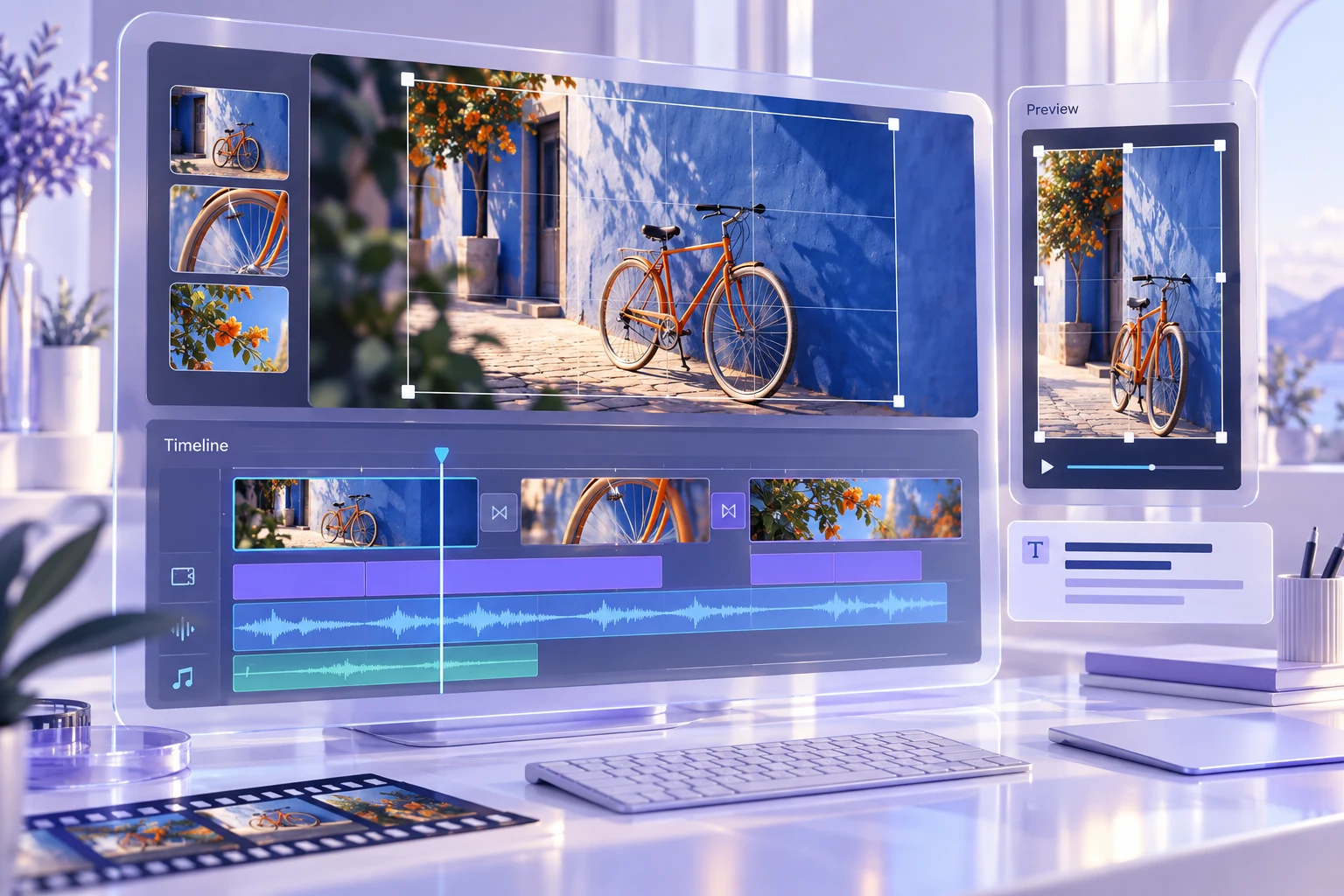
Review the visual crop A vertical frame may keep the speaker’s face while cutting off the control being demonstrated. Check whether the important cursor movement, label or result remains visible. If the footage needs a wider view, use a layout that preserves it rather than forcing every scene into the same crop.
Watch on a phone-sized display. A control that is readable on a large editing monitor may be unusable in the final clip. The viewer should be able to follow the promised action without pausing every second to decipher tiny text.
Correct captions after the edit Review captions against the chosen audio, especially product names, numbers and negatives. A missing “not” can reverse the meaning. Check timing after changing the cut, and make sure captions do not cover the element the viewer needs to see.
Read the captions with sound off once. Then watch with sound on. These passes reveal different problems: the first checks whether the text carries the explanation, while the second exposes timing and wording mismatches.
Accept the clip on evidence Use a small checklist: the excerpt makes sense independently, the qualification survives, the crop shows the action and the captions match the words. A platform’s suggested score or label can help organise candidates, but it cannot replace these checks or promise audience response.
Keep the source recording, selected timestamps and final export together. If someone later questions the context, you can return to the original moment. A useful clip earns attention by showing something worth understanding. It should not need a stronger claim than the recording actually supports to make the viewer keep watching.
Keep the inputs and review notes together in the Response Compare Pad, then save a backup you can reopen.